


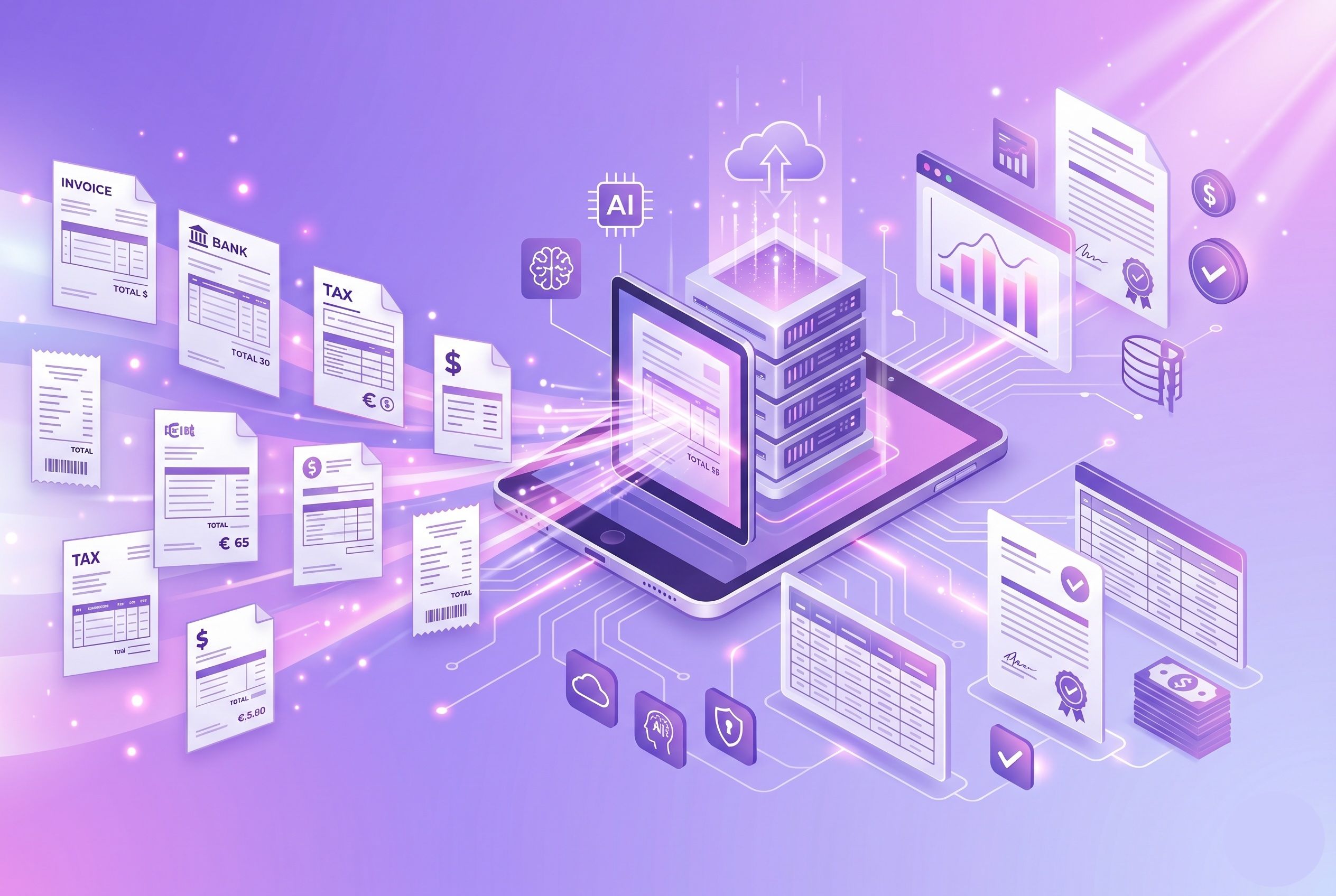
Best Financial Document Automation Software 2026
Smarter, Faster, and Built for What Your Team Actually Needs
Let's face it, handling documents is really frustrating. Your team is overwhelmed with papers and digital files everywhere, in emails, cloud folders, and filing cabinets. For a project manager, reviewing and working on documents takes a lot of time.
The best platforms today do not just store documents; they actually know what is in the documents. These platforms are really good at organizing your files. They look at your documents. Pull out the important parts. The platforms can take the documents. Turn them into tasks that you need to do, which is really helpful.
This guide covers what actually works, what to look for, and why 2026 is the year to stop losing documents and missing deadlines.
What Is Financial Document Automation?
Financial document automation is the use of technology to create documents. We use it to create, process, and organize them. It also helps route documents to the right people and manage these financial documents. This way, we do not have to do everything manually.
Instead of manually entering data and processing paperwork, businesses use Document Automation Software to:
- Generate financial documents automatically
- Extract and validate financial data
- Route documents for approvals
- Track document status in real time
- Store records securely
- Maintain compliance documentation
- Reduce repetitive administrative work
Financial document automation helps finance departments improve productivity while minimizing errors and delays.
Why AI Document Automation Is Your Team's New Best Friend
Here's why this matters right now.
Every business deals with documents. We are talking about contracts, invoices, receipts, emails, compliance paperwork, and client files. The physical mail just keeps piling up on people's desks. The digital files are all over the place, spread out across five different cloud storage accounts. The team at the business has to spend a lot of time sorting through everything and trying to figure out where things are. Sometimes important deadlines get missed because nobody actually saw the notice about them. Tasks often fall through the cracks because there is no central place to keep track of them.
The research backs this up. Companies adopting intelligent document automation are reporting 30–50% time savings on document-related work. That's not trivial. That's someone who used to spend their morning filing and searching, now working on what actually moves your business forward.
The pain gets worse as your business grows. You have to deal with documents. Your team gets bigger. There are places where files can get lost. You have to keep track of deadlines. Doing things manually does not work when you are dealing with a lot of things. You need something that can automatically capture all the details, organize things in a way, and turn all the paperwork into tasks that you can actually do.
So, if your team is still doing this by hand in 2026? You're losing time and money to work that any decent system could handle in seconds.
The Secret Sauce: What Separates Game-Changing Platforms from the Rest
Look, not every platform works the same way. Some are just digital filing cabinets. The ones that actually change how you work? They go way beyond that. Here's what separates the real players from the rest:
1. Intelligent Document Capture
With intelligent document capture, you should be able to scan documents with your phone, upload digital files, or submit through your web browser. The system captures everything in one place—not scattered across multiple apps. Physical mail becomes a digital asset in seconds. No more hunting through stacks of paper or wondering where that email went.
The best platforms automatically use AI that actually understands what it's looking at. It reads documents, extracts key information (names, dates, amounts, due dates), and organizes everything without you having to file anything manually.
2. Automatic Document Classification
Instead of creating messy folder structures and hoping people file things correctly, the system does it for you. AI looks at each document and automatically sorts it into the right category—Finance, Legal, HR, Projects, or whatever your structure is. Files end up in the right place without anyone lifting a finger.
This means you can actually find things later. No more searching through ten different folders wondering where the contract is.
3. Automatic Task Creation
Here's where it gets powerful. The system doesn't just organize documents—it turns them into action items. A contract arrives? The system automatically pulls out the deadline and creates a task. Does an invoice come in? Task created. A notice that needs attention? Task assigned to the right person with the due date already filled in.
Your team gets one central place to see everything that needs doing. No more scattered to-do lists. No more missed deadlines because someone didn't see an email.
4. Centralized Task Management
All tasks—whether AI-created or manually added—live in one place. You can see what's due when. Who's responsible? What's completed. What's at risk of being missed? Team members can see their tasks, update status, add notes, and collaborate without switching between five different tools.
Reminders keep people on track. Automated notifications mean nobody forgets about something due tomorrow.
5. Cloud Storage Integration
Your documents shouldn't be locked away in some proprietary vault. The best platforms integrate seamlessly with Google Drive, OneDrive, and other cloud storage you already use. Documents go straight to your cloud. Access them from anywhere. Share with team members easily. Keep everything secure on infrastructure you trust.
You maintain full control. Your data stays yours.
6. Mobile-First Scanning
Your team shouldn't be tied to a desk to manage documents. A good platform has powerful mobile apps for both iOS and Android. Take a photo of a paper document with your phone. It gets automatically scanned, processed, organized, and turned into a task. All from anywhere.
Work from the office, home, or the field. Documents get processed the same way.
7. Data Privacy and Security
Your documents are sensitive. The platform should treat them that way. Instead of storing everything on their servers, the best options integrate with your cloud storage so your data stays where you want it. Secure access controls. Encryption. Only authorized team members see what they should see.
You know where your data is and who has access to it.
Real Impact, Real Problems Solved: Where Document Automation Delivers the Wins
Let me walk through where this actually makes a difference:
Small Business Operations
A small business owner gets mail constantly. Vendor invoices, client contracts, tax documents, receipts. Used to spend 5–6 hours a week just filing and organizing. Now? Scan with your phone, the system processes it, files it in the right folder, and creates tasks if there's something due. You go from scattered paperwork to organized operations without hiring someone just to manage files.
Remote and Distributed Teams
When your team is spread across locations, documents get lost in email. Someone scans something and files it in their personal folder. Nobody else can find it. Now every document goes to a central, searchable location. Mobile scanning means someone at a client site can capture a document and it's immediately available to the whole team.
Project and Contract Management
You're managing five projects with multiple contracts, deadlines, and deliverables. Documents arrive constantly. The system pulls out key dates, creates tasks for renewals or actions needed, and keeps everything tied to the right project. Nothing gets forgotten because it's all tracked in one place.
Client and Vendor Management
Managing relationships is about keeping things on track. This includes agreements, emails, and tasks that need to be done. When all your information is organized and easy to find, you can quickly look up a client's history. This helps you to understand what they said, what was agreed upon, and what needs to be done. You don’t have to waste time searching through emails anymore.
Going Paperless
Lots of businesses want to go paperless. They don't know how to do it. A good platform is what makes going paperless simple for businesses. Businesses can scan their mail and upload their digital files to the platform. The platform captures all of the business's documents. Organizes them and makes them searchable for the businesses. Businesses can literally reclaim the office space that their filing cabinets occupy.
The Superpowers Your Team Needs (And Probably Didn't Know They Could Have)
When you're evaluating a platform, watch for these capabilities:
- Ease of use — Without any training, you upload a document, and it works. Your team should be able to use it immediately without IT setup.
- Automatic organization — Without any manual effort, the documents should be classified and organized.
- Smart task creation — Automatically pull important information like due dates so tasks have all the context they need.
- Mobile capability — iOS and Android apps so scanning and accessing documents works from anywhere.
- Cloud integration — If you use cloud storage for work, then no worries, you do not need to switch to any other storage platform
- Real-time collaboration — Your team members should be able to look at, comment on, and work with documents together at the same time.
- Search that actually works — Find documents using natural language instead of remembering folder structures.
- Security without complexity — Strong privacy and access controls without requiring you to be a security expert.
Cutting Through the Hype: What Actually Works (and What You'll Actually Get)
Here's what smart document management platforms deliver to teams right now:
- Documents scanned, organized, and searchable in minutes, not hours
- Automatic task creation so important deadlines never get missed
- One central place for all team tasks and documents
- Mobile access so you can work from anywhere
- Documents stored in your cloud storage, not locked away
- AI that learns and improves as it processes more documents.
- Security and privacy built in, not added later
- Team collaboration without email chaos or scattered messages
Is This For You? The Teams Seeing Real Results
Who actually benefits from this?.
- Small business owners benefit because they can get rid of the paperwork mess without hiring staff. They go from being overwhelmed with documents to having organized operations.
- Team managers benefit because everyone can see what needs to be done. Nobody forgets a deadline. Tasks are tracked, progress is visible, and accountability is clear
- Remote teams benefit because documents are not scattered over personal emails and local computers. Everything is in one place. It can be accessed from anywhere.
- Growing companies benefit because the system grows with them. It can handle documents, team members, and complicated tasks without slowing down.
Any business wanting to go paperless benefits because you have a clear path from physical documents to organized digital files.
Your Team Deserves Better Than This: Make the Switch Today
Companies are getting buried under a lot of documents. Their email boxes are full. Papers are all over the place. People forget to do things. Important things get lost because there is too much going on. To be honest, the best tools for managing documents in 2026 are not just about saving time, even though they do that. The best document management tools are about giving your team an idea of what is going on, keeping them organized, and letting them focus on the work that actually matters.
Smart document capture. Automatic organization. Task management built in. Mobile access. Security you can trust. All of this is turning chaotic paperwork into streamlined operations so your team doesn't have to juggle five different software document automation systems and spreadsheets.
We have something that can help with all the paperwork. Automatic organization. Task management built in. Mobile access. Security you can trust. All of this is making paperwork a lot easier. Now your team does not have to deal with a lot of systems and spreadsheets.
The real question isn't whether document automation is worth it. It's whether you can keep doing things the old way. Most teams can't. Not anymore.
Ready to Reclaim Your Sanity? Let's Get Started
Stop letting paperwork take up much of your team's time. If you are having trouble with papers, are over the place, are missing deadlines, or want to stop using paper, the right tool can really help.
Take a step today. Look at how a good document system can help you. Get all your documents in order. Keep your work on schedule. Give your team a way to do their job.
Your team will thank you. I know I would.
